
"A comprehensive, no-nonsense review from an Indian senior who spent years testing these tools to make sure you don't waste your pocket money on useless subscriptions."
⚡ Quick Answer
The best AI tools for students in 2026 include ChatGPT, NotebookLM, Canva, GitHub Copilot, Grammarly, and Perplexity AI. These tools help students with assignments, coding, presentations, study notes, resumes, and productivity.
Let’s be honest: college life in India is pure chaos. Between 80% attendance rules, endless university exams, semester-end practicals, and the mounting pressure of placement season, there is barely any time left to actually learn anything.
Most students now use AI to finish assignments faster, create beautiful presentations in minutes, and organize notes without wasting hours manually.
But with thousands of "revolutionary" AI websites launching every week, which ones are actually useful, completely free, and worth your time?
In this complete guide, we have broken down the most useful AI tools for students in 2026. No fluff, no useless placeholders. Just practical tools that will actually help you survive and thrive in college.
| Tool | Best For | Free Plan | Student Rating |
|---|---|---|---|
| ChatGPT | Assignments & Outline Drafting | Yes | 9.5/10 |
| NotebookLM | Study Notes & Textbooks | Yes | 9.7/10 |
| Canva | Visual Slides & Layouts | Yes | 9.0/10 |
| GitHub Copilot | Coding & IDE Autocomplete | Free for students | 9.3/10 |
| ResumeFix | ATS Resume & Assignment Help | Yes | 8.8/10 |
1. Best AI Tools for Assignments
Writing assignments can eat up your entire weekend. These five AI tools can help you research, write, paraphrase, and polish your college assignments in a fraction of the time.
1. ChatGPT
ChatGPT remains a leading choice for conversational AI. Instead of using it to mindlessly copy-paste essays (which your professors can easily detect), use it as a personal tutor to explain complex topics like "Quantum Computing" or "Double-entry bookkeeping" in simple words.
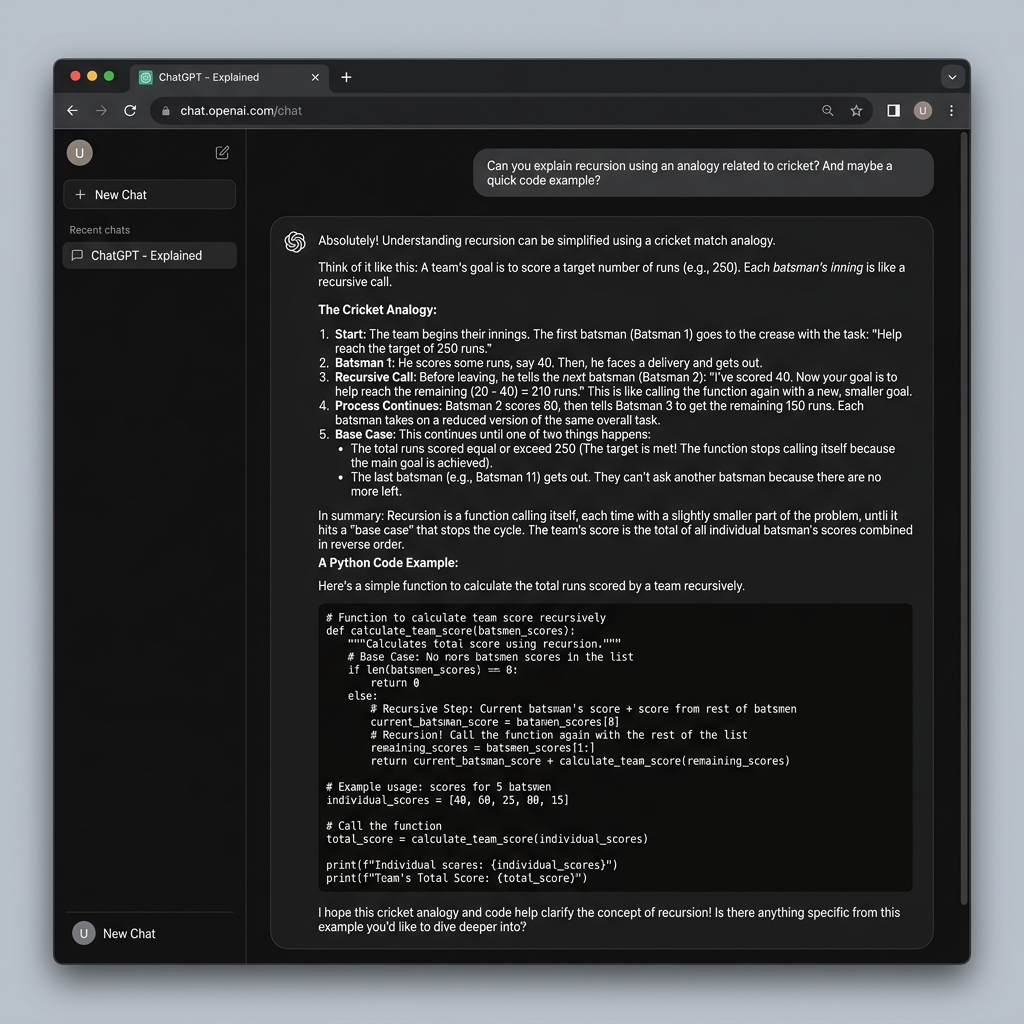
What Students Actually Use It For:
- Simplifying complex engineering or science concepts
- Drafting starting outlines for academic essays
- Explaining code bugs in simple language
💡 Student Workflows / Prompt Tip:
"Explain the concept of Backpropagation in Neural Networks to a 10-year-old using cricket analogies."
2. Perplexity AI
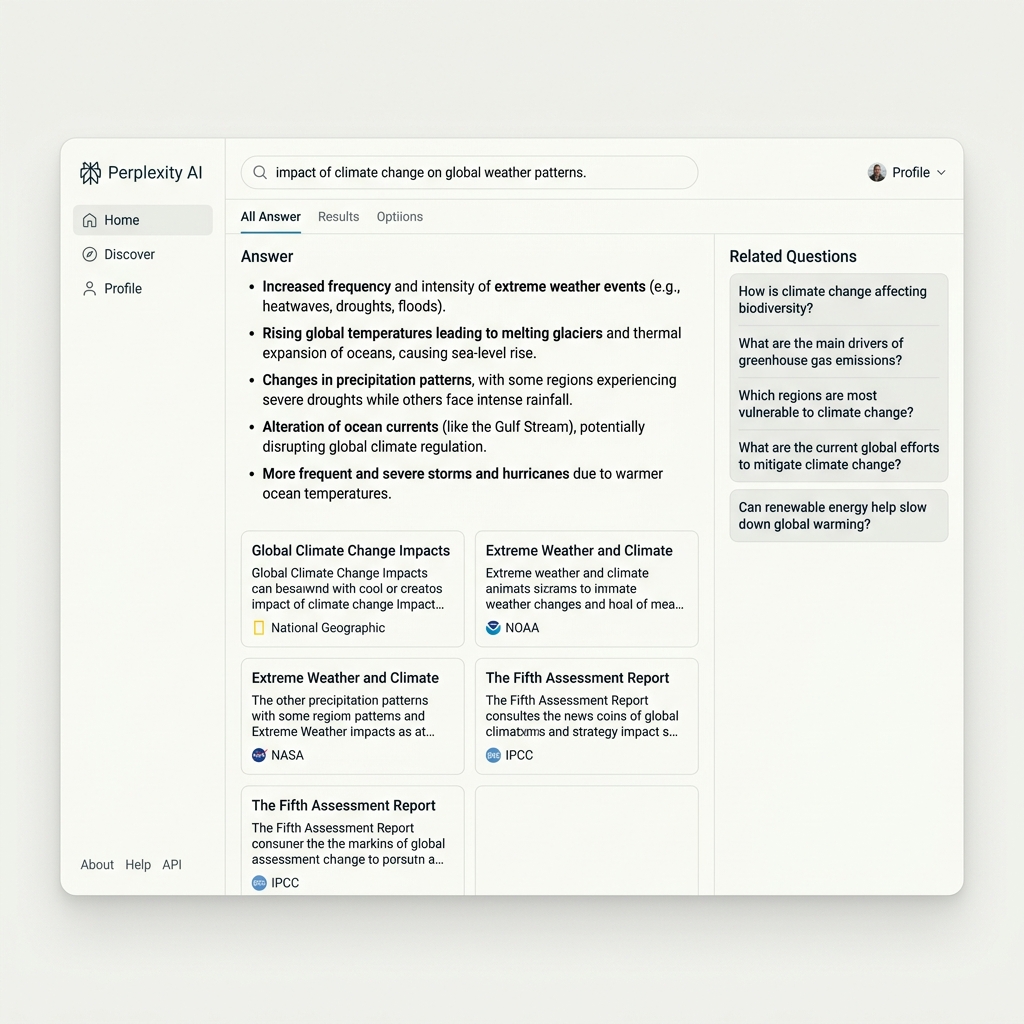
Unlike standard LLMs that might hallucinate or give outdated data, Perplexity AI searches the live internet, answers your query, and provides direct links to the sources. It is incredibly useful for finding verified statistics for your economics or engineering assignments.
3. QuillBot
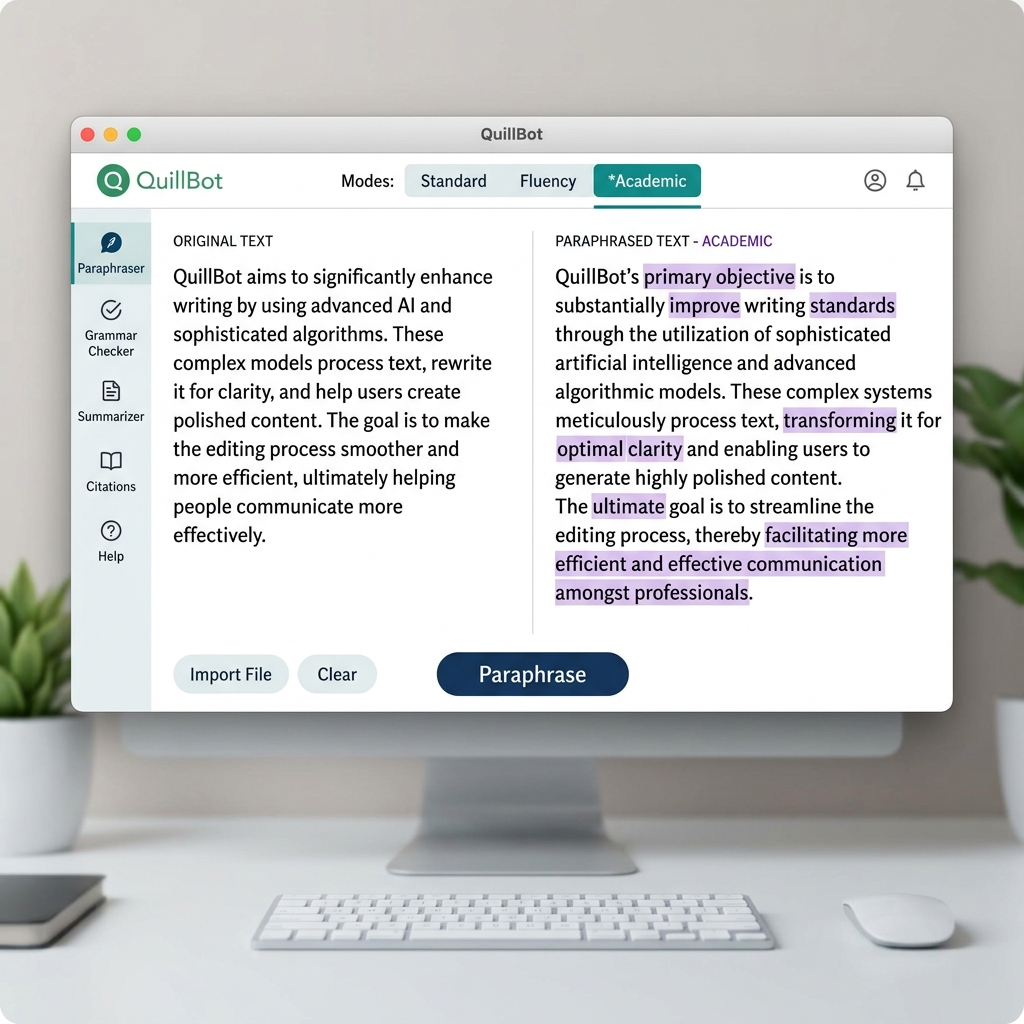
If your draft sounds too simple or you want to rewrite sentences in a more academic, formal tone, QuillBot is the perfect tool. The free tier gives you access to "Standard" and "Fluency" modes which work wonders for refining your language.
4. Grammarly
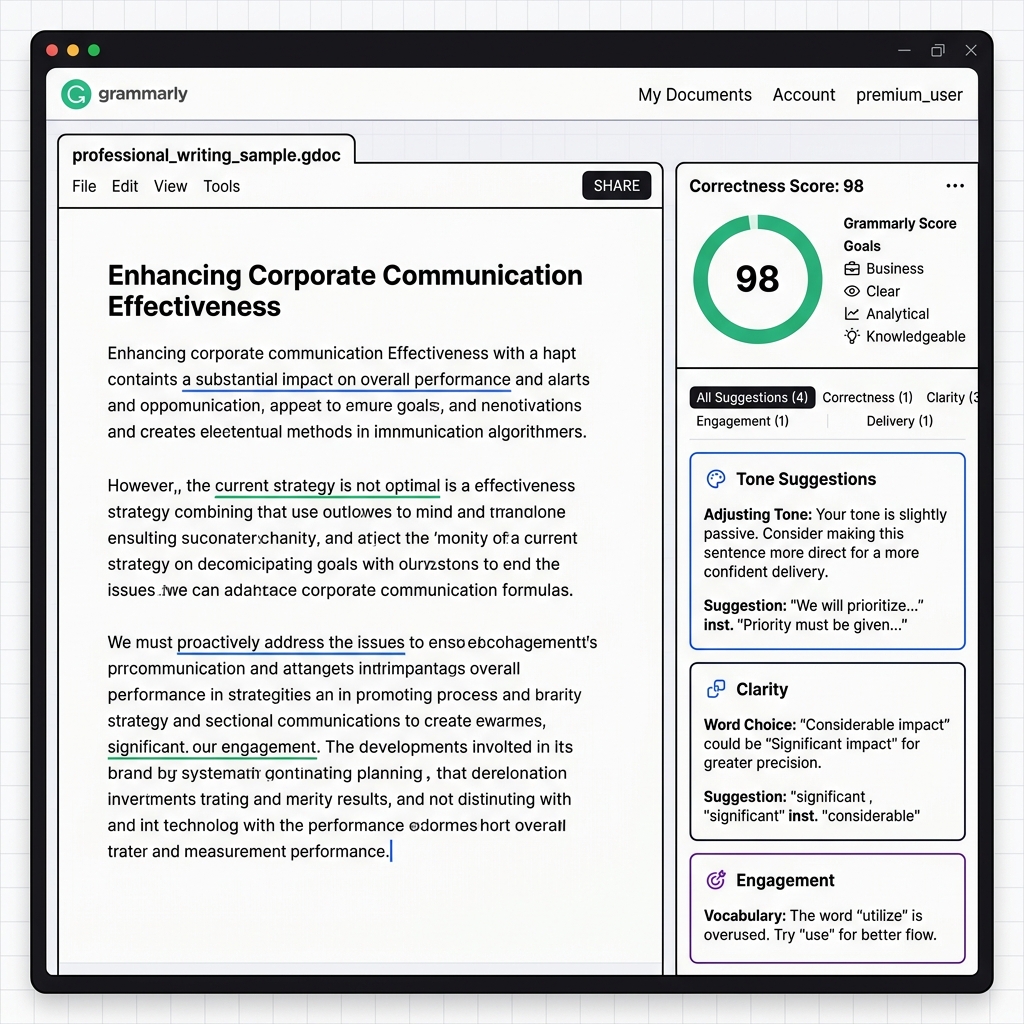
Nothing ruins a great college report faster than basic spelling mistakes. Grammarly sits silently on your browser or Word document, catching typos, passive-voice issues, and run-on sentences in real-time.
15+ AI Websites That Feel Illegal to Know in 2026
Want to discover under-the-radar AI tools that do your homework, solve complex math, write complete research papers, and generate high-res images in seconds? This secret list has you covered.
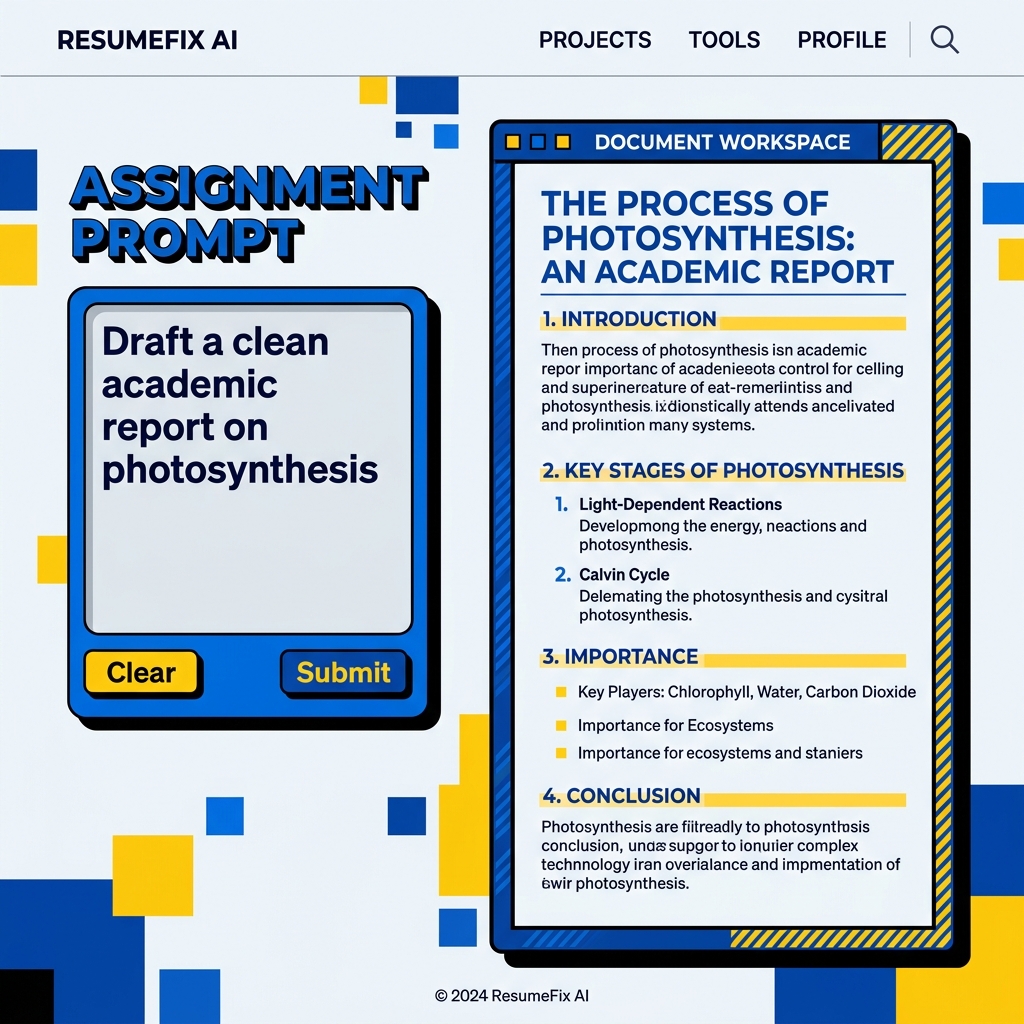
Explore AI Websites →5. ResumeFix AI Assignment Writer
ResumeFix is useful for students who want ATS-friendly resumes and assignment assistance in one place. Its AI Assignment Writer helps structure college reports, homework answers, and essays without sounding robotic, helping you bypass writer's block and draft clean academic copy.
2. Best AI Tools for Study Notes
Stop writing pages of lecture notes manually during class. These AI tools help you automatically transcribe lectures and summarize massive PDFs.
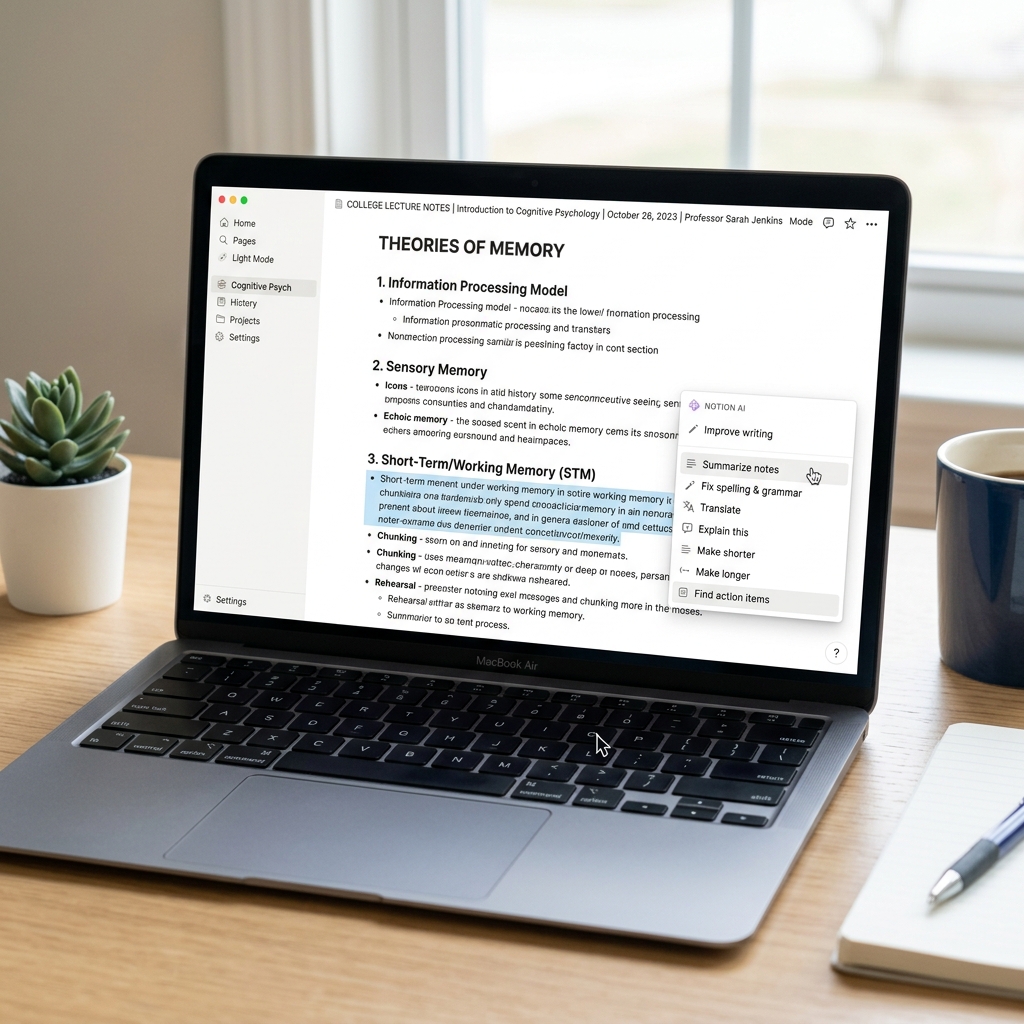
6. Notion AI
Notion is already the favorite note-taking app for students worldwide. Notion AI takes it a step further by summarizing long lecture documents, extracting key takeaways, and translating notes into neat study guides automatically.
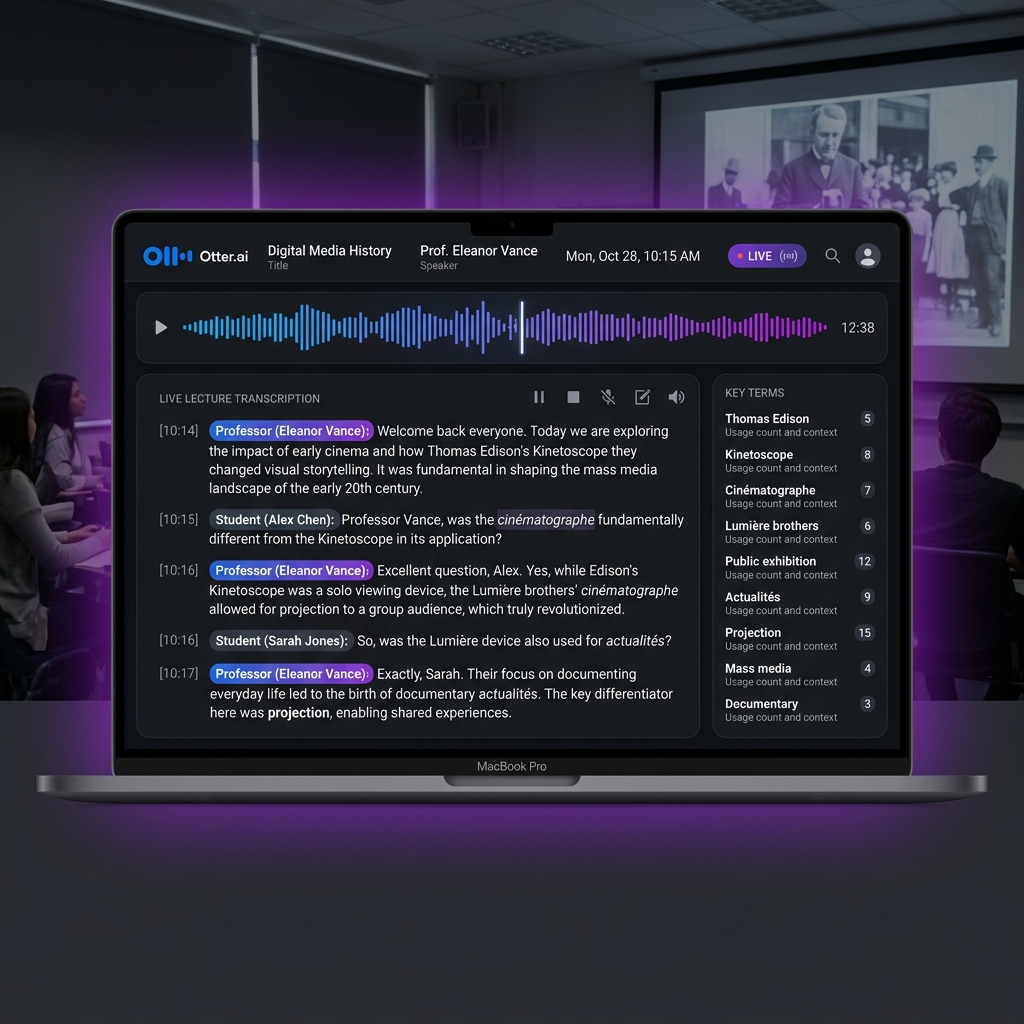
7. Otter.ai
If your professor speaks incredibly fast, Otter.ai is a lifesaver. Open the app during a lecture, and it will transcribe the entire audio into clean text. It even captures slide photos and highlights important action points or terms discussed during the class.
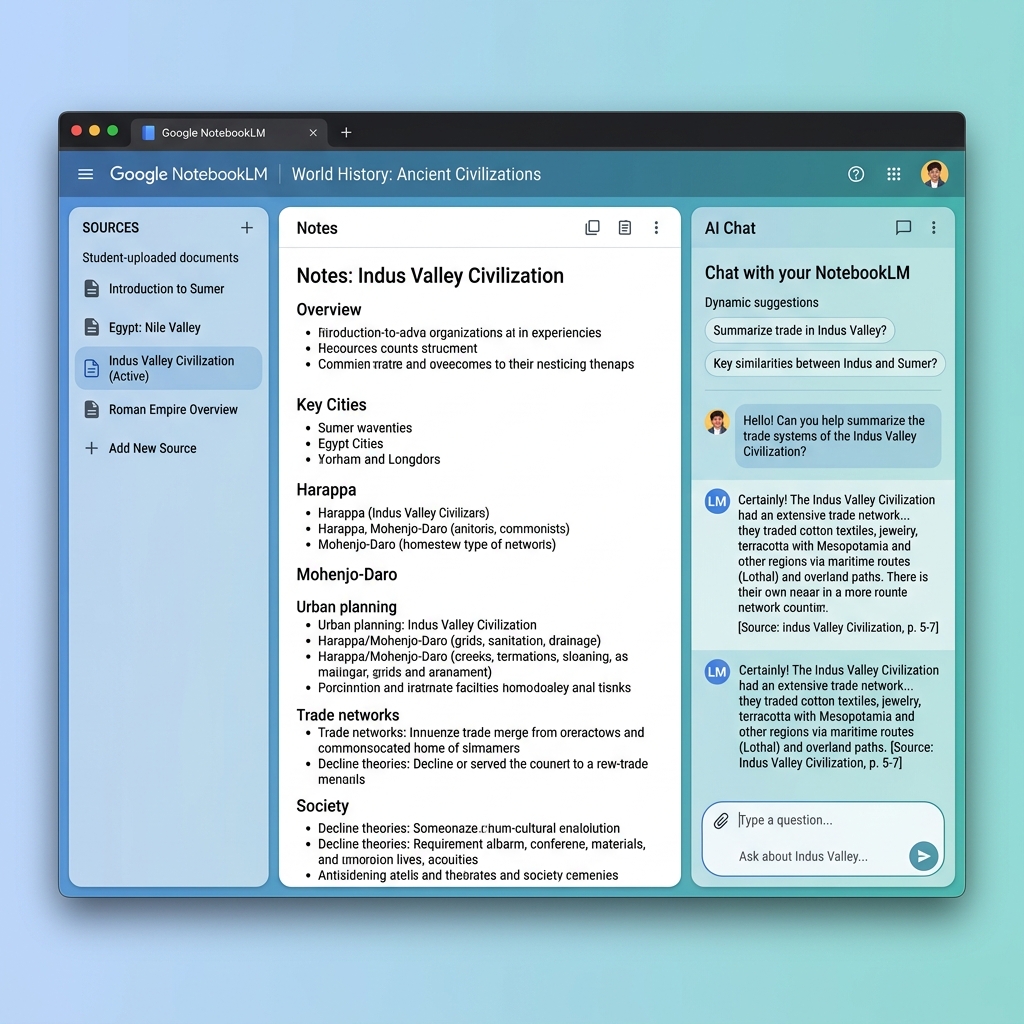
8. NotebookLM
NotebookLM is one of the most useful AI tools students can use for studying. You can upload up to 50 sources (such as college textbooks, reference PDFs, and YouTube links) and chat directly with them.
The AI only uses the uploaded documents to answer, meaning zero hallucinations. Even better, it can generate a highly realistic podcast discussion about your study notes with one click!
What Students Actually Use It For:
- Turning massive PDFs and syllabus chapters into quick summaries
- Revising key definitions before mid-semester exams
- Asking contextual questions directly from uploaded textbooks
- Generating realistic podcast debates to learn aurally
3. Best AI Tools for Presentations
Ditch the boring PowerPoint bullet points. Use AI to build presentation slides that will make your professors sit up and take notice.
9. Canva
Canva's "Magic Design for Presentations" lets you type a simple text prompt and generates a series of fully-designed presentation templates complete with custom graphics, icons, and structures. It is highly recommended for visual customization.

What Students Actually Use It For:
- Designing visual pitch decks for college hackathons
- Creating Instagram and club posters for student societies
- Structuring group project slides with creative visual layouts
10. Gamma
Gamma is highly efficient for slide creation. Simply type in a topic, and it generates a beautiful, ready-to-use deck in less than 30 seconds. You can edit individual cards, swap color themes, or ask the AI to rephrase bullet points in real-time.
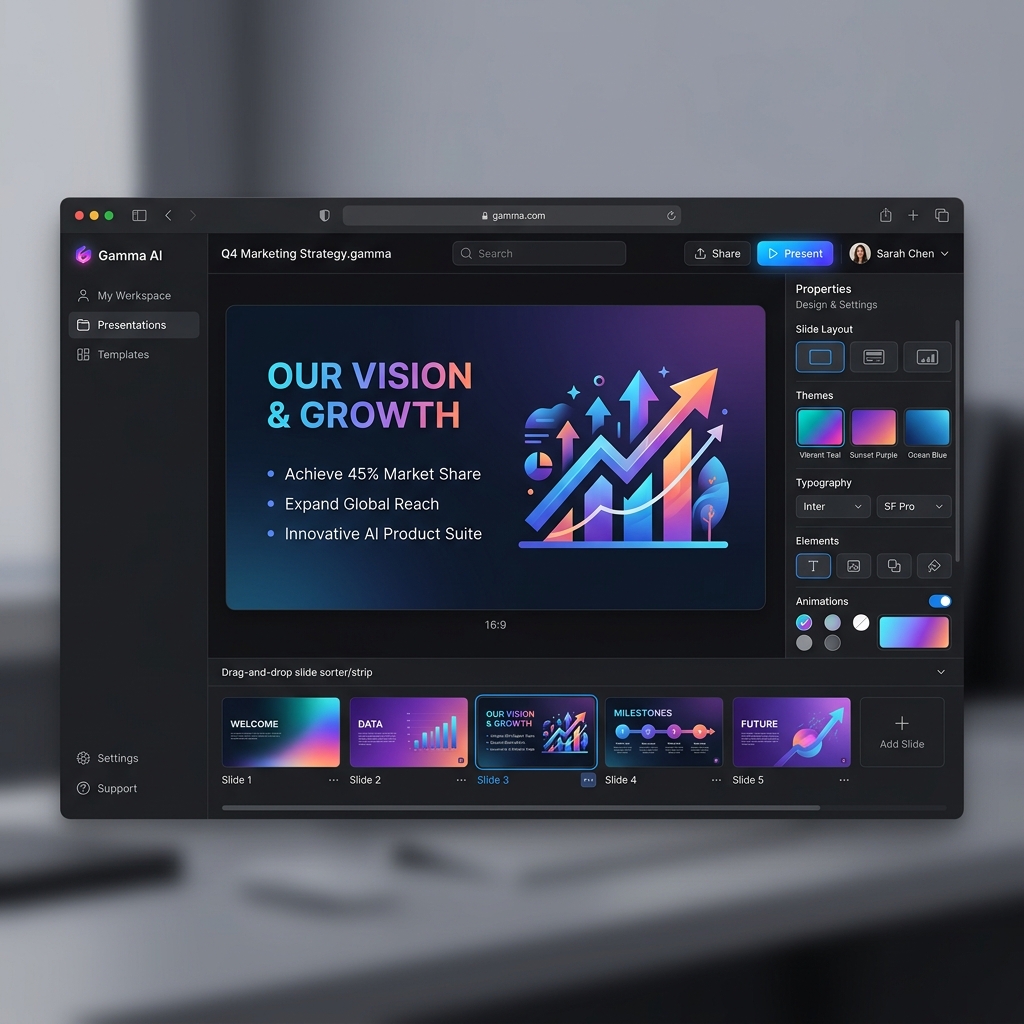
What Students Actually Use It For:
- Building 8-slide class presentations in 30 seconds from a text prompt
- Arranging dense project summaries into neat visual column layouts
- Re-formatting boring bullet points into aesthetic cards
💡 Indian Student Pro-Tip:
Indian universities love diagrams and statistics. Use Gamma's built-in block layouts to arrange your text side-by-side with charts to instantly grab extra marks in your reviews.
11. SlidesAI
If you have already written an essay or outline in Google Docs and want to turn it into a slide deck, SlidesAI integrates directly inside Google Workspace as an add-on. It automatically organizes your long text copy into separate, digestible slides.
4. Best AI Tools for Coding Students
Whether you are in BTech CSE, BCA, or just learning python on the side, coding with AI assistance is the fastest way to accelerate your programming skills.
⚠️ The Beginner Coding Trap:
Relying too heavily on AI coding assistants too early can completely sabotage your programming growth. Before you start copy-pasting, make sure to read our raw developer guide: Why AI Tools Like ChatGPT Can Slow Down Real Coding Growth to understand how to use these tools without ruining your brain.
12. GitHub Copilot
GitHub Copilot integrates directly inside your IDE. It guesses what line of code you are going to write next and offers auto-completions. The great news? GitHub Copilot is completely free for verified students globally under the GitHub Student Developer Pack!
What Students Actually Use It For:
- Completing repetitive boilerplate code in Java, Python, or C++
- Generating standard algorithms during lab practice sessions
- Writing test cases and simple functions in VS Code

13. Claude
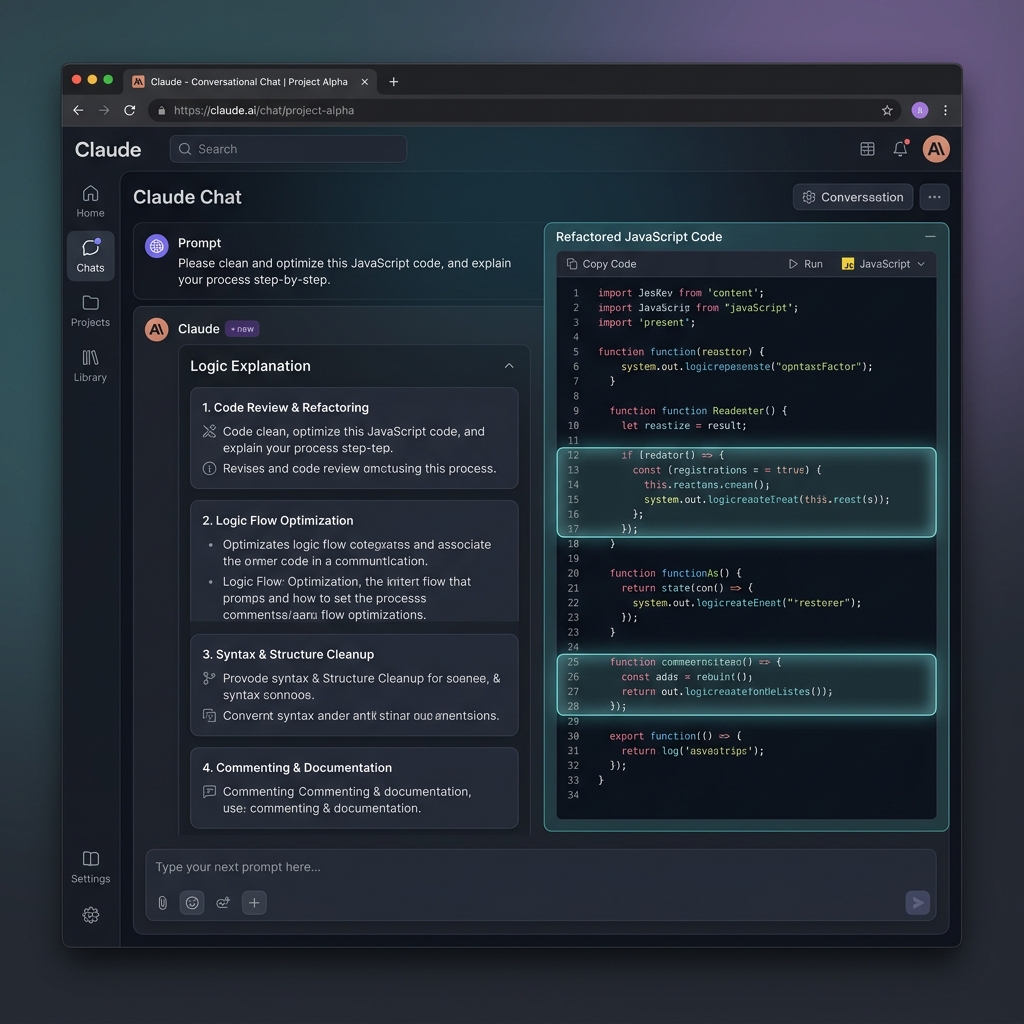
Anthropic's Claude is highly rated for logical coding tasks. If you have a massive bug in your Java or React code, copy-paste your code block into Claude. It will not only give you the corrected code but will also explain the logical error step-by-step.
7 AI Skills Dominating the Tech Job Market by 2027
Coding is changing fast. Find out which specific AI engineering and prompt design skills will secure your placements in 2026/2027.
Best Laptops for BTech Students (2026 Guide)
Need a laptop that can handle machine learning, Android development, and heavy coding without lagging? Check our curated budget & performance options.
14. AskCodi
AskCodi is designed as an assistant that guides you through specific coding blocks. It supports multiple languages and lets you ask coding questions in plain English, helping beginners learn the syntax without constantly scrolling stack overflow.
query = "SELECT marks FROM grades WHERE id = ?"
cursor.execute(query, (student_id,))
grades = cursor.fetchall()
return sum([g[0] for g in grades]) / len(grades)
5. Best AI Tools for Research
Whether you are writing a research paper for a conference or a college project report, finding relevant academic literature doesn't have to take weeks.
15. Scholarcy
Scholarcy breaks down long research papers into bite-sized summaries, structured cards, and key highlight sections.
It allows you to quickly assess if a 50-page PDF is relevant to your project, saving you hours of manual reading.
Extracted Bullet point:
"Microplastic presence alters soil aeration by up to 35%, triggering significant anaerobic shifts in rhizosphere communities."
- Altered soil physical metrics interfere with water percolation patterns.
- Significant reductions in mycorrhizal colonization were noted.
16. Elicit
Elicit functions like a smart search engine for research. Type in an open question (like "what is the impact of microplastics on soil quality?") and it will retrieve the most relevant scientific texts.
It parses papers, extracts key details, and creates a tabular comparative summary of all findings to help you reference correctly.
| Paper Citation | Abstract Summary | Design Detail |
|---|---|---|
| de Souza Machado et al. (2018)Global Change Biology | Microplastic deposition changes bulk density and water-holding capacity, changing baseline plant water relations. | Empirical |
| Rillig et al. (2019)Environmental Sci. Tech. | Earthworms transport polyester microfibers vertically, causing bioaccumulation in lower soil profiles. | Lab Study |
17. Scite
Scite allows researchers to see the exact context in which a paper has been cited.
It uses smart classification to show whether later papers found the same results or if they contradicted the original author's findings, making your bibliography robust and proofed.
"Perovskite-Silicon Tandem Solar Cells: Commercial Efficiency Limitations"
Published in Nature Energy (2024) | DOI: 10.1038/s41560-024
"...However, we observed critical perovskite delamination when thermal cycling exceeded 80°C, which contradicts the long-term reliability claims reported by the Tandem Research Group..."
6. Best AI Tools for Productivity
Manage your schedule, coordinate group projects, and stop procrastinating with these smart, productivity-focused tools.
18. Motion
Motion acts as an AI executive assistant. Input your homework, study goals, and sleep times, and it will organize a daily calendar schedule automatically.
If a task runs over, it immediately reshuffles your calendar to keep you on track without any manual scheduling.
Moved up to fill free study gap and hit 6 PM deadline.
19. Microsoft Copilot
Built directly inside Windows, Microsoft Copilot gives you free access to GPT-4 and DALL-E for text searches and image generation.
It can draft emails, summarize long Word documents, and search local files seamlessly to keep you organized.
Dear Professor Sen,
I hope you are well. I am writing to respectfully request a short 2-day extension on our upcoming Java submission. I am representing the college at the National Hackathon between Oct 12-14...
20. Todoist AI
Todoist is a popular student to-do list. With its AI assistant, you can type "Prepare for the engineering physics exam in 2 weeks" to generate lists of action items.
The AI will automatically suggest a 10-step, day-by-day checklist of concrete study tasks to complete. This simplifies massive goals into clear daily habits.
🎓 Todoist BTech Exam Prep Checklist (AI Generated)
7. Best AI Tools for Resume Building
Placement season is stressful, and a poorly-formatted resume will get rejected by applicant tracking systems (ATS) before a recruiter even sees it. These tools will get you shortlist-ready.
21. ResumeFix AI Resume Builder
Standard colorful or two-column resumes are often misread by automated candidate scanners. Using a simple, ATS-optimized layout ensures your resume details parse correctly.
ResumeFix provides clean, single-page, ATS-optimized templates modeled on top-tier placement guides. It allows you to test your score and build an industry-ready draft. You can check your score on the ATS Resume Checker or explore our tutorials.
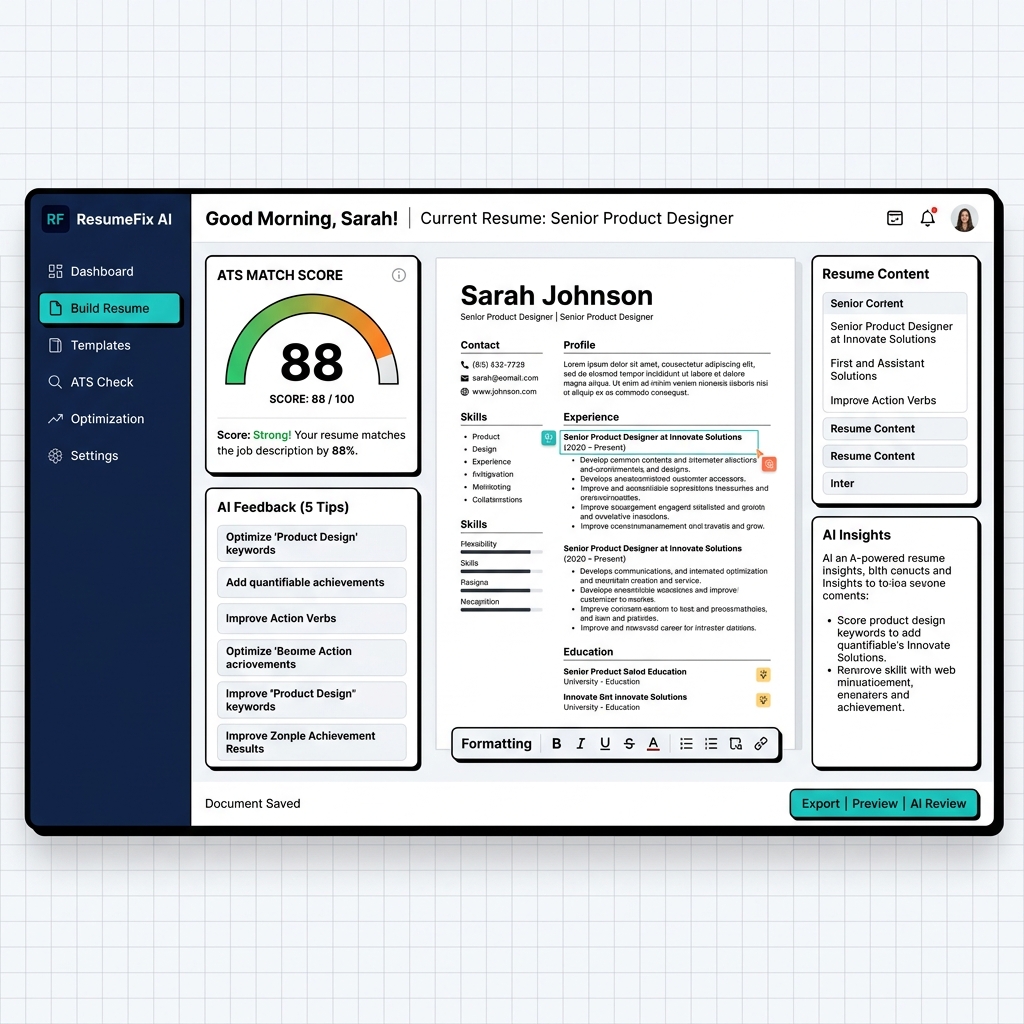
What Students Actually Use It For:
- Building single-page, ATS-optimized resumes for campus placement drives
- Re-writing weak bullet points into high-impact, action-driven statements
- Checking ATS scores to avoid formatting mistakes
How to Make a Resume with Zero Experience: Ultimate Step-by-Step Guide
No internships? No job experience? No worries! Learn exactly how to showcase your college projects, club involvements, hackathons, and technical skills so recruitment tools (ATS) rank you at the top.
Create Your First Resume →22. Canva Resume Builder
If you are applying for a graphic design, content writing, or social media internship where visual style is valued over traditional corporate layouts, Canva provides thousands of beautifully designed templates to make your background pop.
Rahul Sharma
Creative Web Developer & UI Designer
Developed customer-facing layout dashboards, increasing student onboarding engagement by 15%.
8. Best AI Tools for Image & Design
Need customized illustrations, assets for a college hackathon, or design assets for your student club? These image generators can render high-resolution creative visuals from text descriptions.
23. Midjourney
Midjourney delivers high quality when it comes to photorealistic human portraits, surreal textures, and cinematic 3D renders. It's operated through Discord and provides breathtakingly artistic assets.

24. Adobe Firefly
Trained on licensed stock photos, Adobe Firefly is the safe choice for editing graphic projects. It has excellent features like "Generative Fill" which allows you to seamlessly paint in new background elements or erase mistakes.
25. DALL-E 3
DALL-E 3 (developed by OpenAI) excels at interpreting complex prompts and incorporating literal text inside generated illustrations, making it the perfect tool for creating simple logos or poster templates for college fests.
"An aesthetic sticker design of a cute astronaut sitting on a planet drinking chai, flat vector style, bold outlines, warm sunset gradient background."
9. Free vs Paid AI Tools Comparison
As an Indian college student, spending thousands of rupees monthly on subscriptions is usually out of the question. Let's compare what you actually get with free plans versus paid upgrades:
| Category | Free Tier Features | Paid Premium Tier |
|---|---|---|
| Writing & Search | ChatGPT, Perplexity, ResumeFix AI Assignment Writer, Grammarly | GPT-4o, Unlimited Claude 3.5 Sonnet, Perplexity Pro |
| Study Notes | NotebookLM, Otter.ai (300 mins) | Notion AI unlimited, unlimited Otter transcription |
| Presentations | Gamma (400 free credits), Canva | Gamma Pro, Canva Pro assets |
| Resume & Coding | ResumeFix AI Resume Builder, GitHub Student Developer Pack (free Copilot) | Copilot Individual, Premium Resume Templates |
10. How Students Should Use AI Ethically
AI is a powerful co-pilot, but relying on it blindly will backfire. Indian universities are increasingly implementing strict AI detection checks (like Turnitin or Copyleaks) during evaluations.
Here's how to use AI without compromising your learning or risking reviews:
- Never Copy-Paste Directly: Always rewrite explanations in your own words. Your personal style, regional phrasing, and human touch are something AI cannot replace.
- Fact-Check Everything: LLMs are notorious for hallucinating statistical data, citations, or historical dates. Always double-check critical formulas and reference quotes.
- Use it to Learn, Not to Skip: Use AI to explain how a hard program functions, then close the AI tab and try typing the logic out yourself from scratch.
11. Frequently Asked Questions
Q. Which AI tool is best for students?
For overall learning and note-taking, Google's NotebookLM is highly effective because you can query your syllabus directly. For writing, use ChatGPT and Perplexity AI.
Q. Are AI tools completely free for students?
Yes, almost all the tools on this list have highly generous free tiers. Additionally, students get free premium access to GitHub Copilot through the GitHub Student Developer Pack.
Q. Can Indian college teachers detect AI-written assignments?
Yes. Most Tier-1 and Tier-2 engineering and management institutions in India now use Turnitin's AI Detector tool to flag copy-pasted ChatGPT content. Always read, understand, and rewrite.
Q. Which AI tool is best for taking study notes?
NotebookLM is the clear winner for summarizing PDFs, while Otter.ai is excellent for real-time live lecture transcription.
Q. What is the best AI tool for creating presentations?
Gamma AI is one of the fastest tools for generating entire slide presentations with beautiful structures in under a minute.
12. Final Thoughts
College students who learn how to use AI properly in 2026 will have a huge advantage. This isn't because AI replaces hard work, but because it removes repetitive work.
The smartest students are no longer spending 6 hours making presentations or formatting resumes manually. They're using AI to save time and focus on learning, internships, and real skills.
Start with just 2–3 tools from this list, experiment with them during your semester, and slowly build your own AI-powered workflow.
About the Author
Narayan writes about AI tools, student productivity, resumes, and career growth for Indian students on ResumeFix.site. His guides focus on practical tools and strategies that actually help students save time and improve their workflow.
Join Our Reddit Communities!
Official HubsGet direct student support, live feedback, traffic hacks, and daily AI workflow blueprints.
r/GrowMyBlogs 📈
BLOGGING & SEOWant the latest updates, site audits, and discussions? Share your blog, get SEO advice, and grow your online presence alongside other creators.
r/AIToolDaily 🤖
AI & HACKSStay ahead of the curve! Discover daily student-tested AI tools, syllabus hacks, assignment automation, and smart career workflows.
We post daily
Don't miss the next result update
Results drop without warning. Follow us and you'll know the moment it's out — before you even think to Google it.
Zero spam. Just results, cut-offs, and stuff that actually matters.